
Community associations, parish committees, civic festival committees, APS/ODV/ASD associations – often in collaboration with local municipalities – have already chosen Famulus.
Famulus was created to give event organizers a smart and reliable solution – whether for a village festival, a cultural fair, or a community hall celebration. With our ordering system for festivals and local events, everything runs seamlessly: flexible, mobile, without complex technology and without high costs.
And without cutting back on features – our digital ticketing system and the Famulus Order App offer everything an event needs… and even a little more.

Guests order their food and drinks directly at the fixed order & pay stations and then collect the products at the counter with their printed tickets. Areas with table service can easily be combined.
Card payments? No problem! Thanks to NFC, your smartphone turns into a fully functional POS device. Our digital event POS system is connected with multiple banking payment apps, so your guests enjoy a fast, smooth service – without long queues.
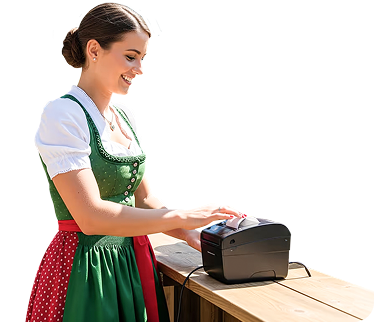
You organize trade fairs or corporate events and need an ordering system that is ready to use in any location? With Famulus, you can take orders directly at the tables or record sales behind the counter – quickly, easily, and with precise reporting at the end of the event.
As a caterer at trade fairs and in showrooms, you also benefit: your customers place orders directly and without interruption, while you simply deliver them to the right room or area. With our digital event system for catering and trade fairs, you keep every process under control – flexible, reliable, and without complicated technology.

Do you manage an event venue and want to use modern technology without high fixed costs? With Famulus, you have every option: take orders directly at the table, set up a self-service order & pay station, or simply record sales behind the counter.
Everything is possible – fast, digital, and easy. And if you require a fiscal POS system: Famulus is compatible with both the Italian fiscal register and TSE-compliant standards.
Do you organize a community festival or event and need a digital ordering system that is modern, easy to use and ready anywhere?

Do you want fast ordering and NFC payments at your event through digital stations, withoutqueues or technical hassle?
Do you run trade fairs or corporate events and need a flexible system that lets you take orders anywhere with accurate reporting?
Do you operate an event venue and want to use modern technology without high fixed costs and with full flexibility?
Do you organize a community festival or event and need a digital ordering system that is modern, easy to use and ready anywhere?
Do you want fast ordering and NFC payments at your event through digital stations, withoutqueues or technical hassle?
Do you run trade fairs or corporate events and need a flexible system that lets you take orders anywhere with accurate reporting?
Do you operate an event venue and want to use modern technology without high fixed costs and with full flexibility?
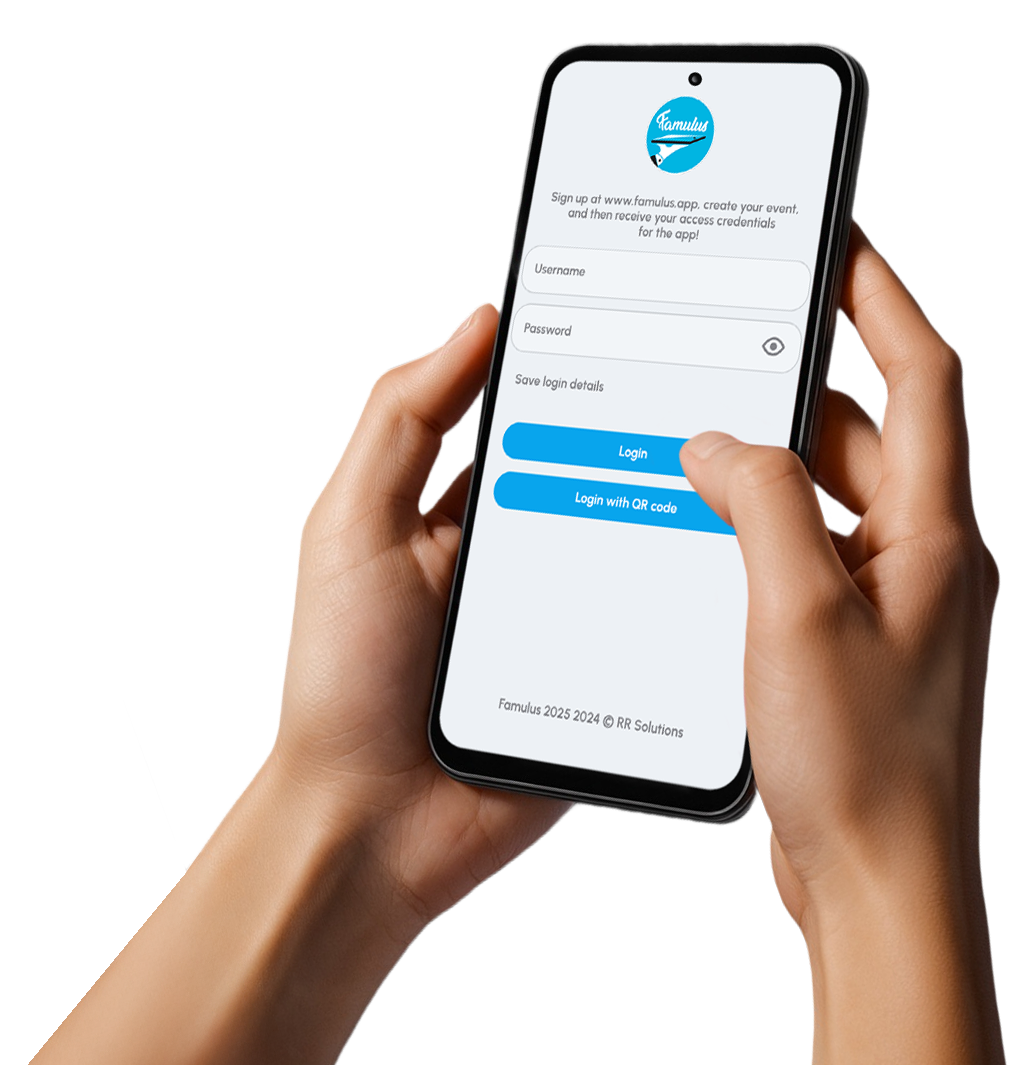
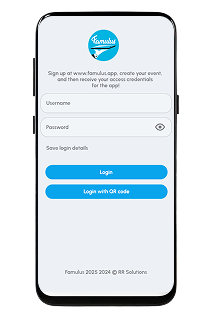
The Famulus Order App runs on all Android devices from version 10 and can be easily installed at any time via the Play Store. It is designed so that orders can be taken immediately – without long training or technical knowledge. This makes it easy to find enough volunteers for your event or celebration. The Famulus order system for events and associations is your smart partner at every event – modern, mobile and hassle-free.
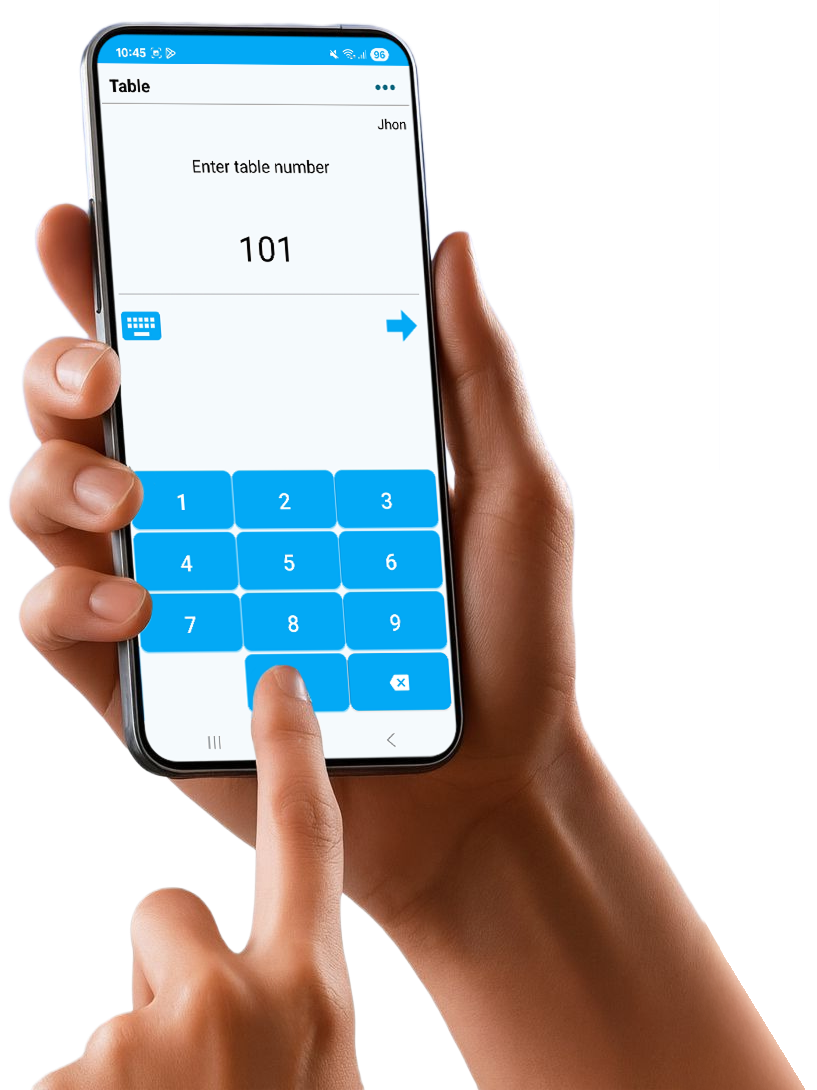
Whether used as an order app for waiters taking orders directly at the table, or as a fixed cash desk solution with printed order slips – Famulus adapts to your event. Useful features such as the change calculator support your team and ensure accurate billing. You can easily manage special requests and options for food and drinks, create split bills and record free meal or drink vouchers with just one click – fast, efficient and reliable.
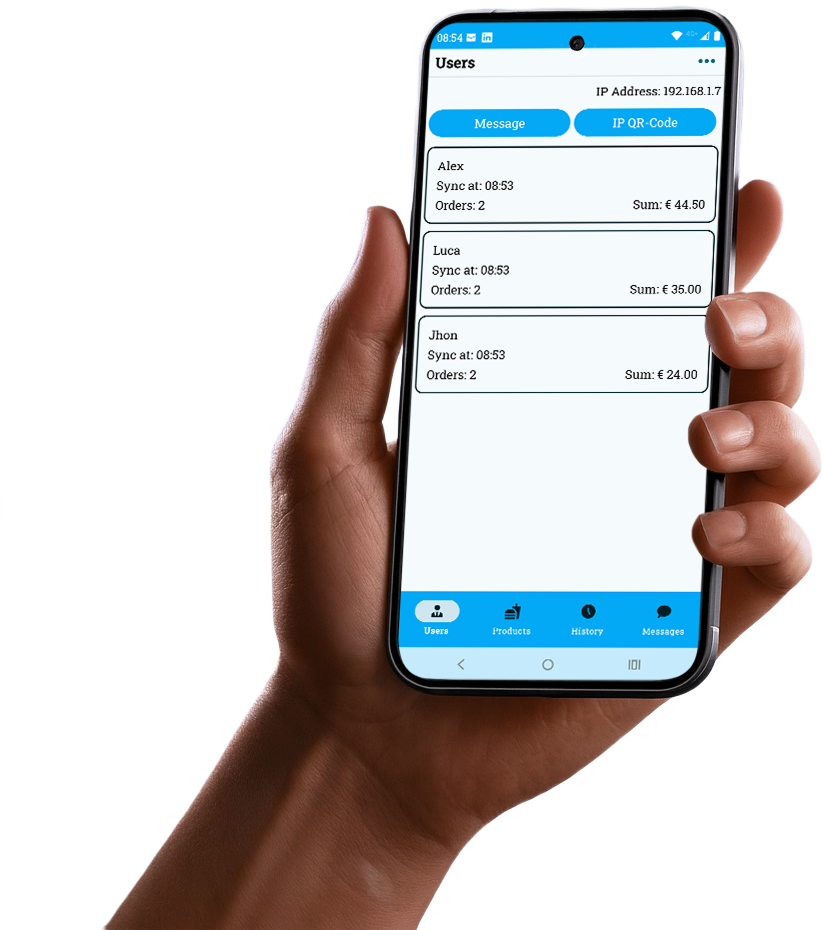
With the main device, you stay in full control throughout your event: block or activate products, adjust prices instantly and manage sales quantities – once the limit is reached, sales stop automatically. You can also view live turnover from each waiter, send messages to all devices and access detailed sales reports at any time. With Famulus, your event stays organised and under control.
%201.png)

At the counter, all you need are Epson receipt printers and a standard Wi-Fi router. Smartphones and tablets send orders directly to the printers – no server or complex technology required.This keeps the system simple, stable and reliable – perfect for any type of event.
The most commonly used model is the Epson TM-T20III with Ethernet, known for its durability, reliability and flexible use at any event location.
You can purchase the printers directly from us – just send a short email to info@famulus.app – or rent them for your event. If you know associations that already use this model, you can also borrow the printers from them.
A standard home router is completely sufficient. An internet connection is not required – unless you want to enable card payments, then of course it is.
For larger event areas, you can easily build a strong network using multiple routers and repeaters. And the best part: orders can even be taken outside the Wi-Fi range. As soon as the device reconnects to the signal, the tickets are printed automatically.
In the Famulus customer area, you can plan your event with just a few clicks: enter your event details, create your offer and reserve devices if needed. If you are using your own devices, you can easily manage your licences.
You also decide which features the Famulus Order App should include. Info boxes provide clear explanations of the available options.
The customer area is well-structured and easy to use, helping you quickly find the right setup for your event.
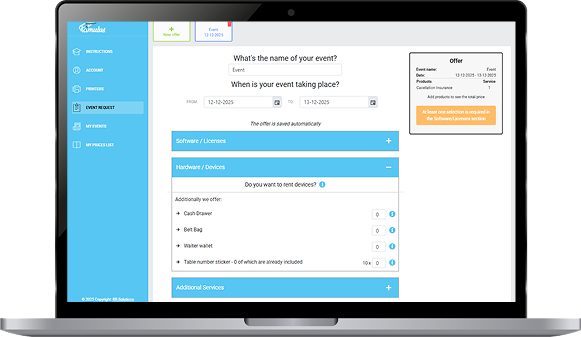
In your Famulus customer area, you’ll find tutorial videos that show you how to set up your devices on-site in just a few steps. You can save your own printers in the system and reuse them at any time – or even make them available to other associations if you wish.
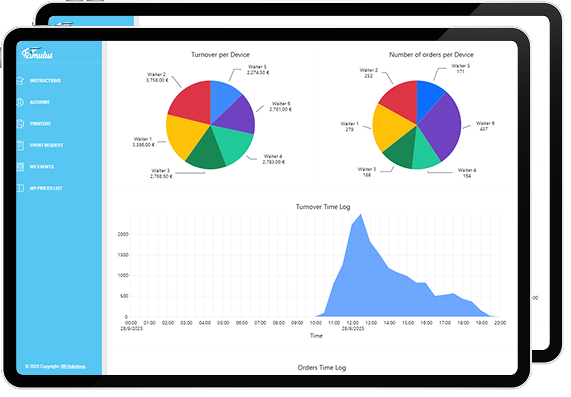
After each event, you can upload sales summaries from all devices and automatically receive a full Excel analysis. You’ll also get clear statistics showing when the most sales were made, which servers had the highest turnover, and much more.
This helps you plan your next events even more efficiently.

An ordering system at events offers clear advantages over the old method with pen and paper. It enables efficient work with fewer staff, increases revenue in less time, and reduces errors.Settlement at the push of a button saves time and minimizes mistakes. With the Famulus Order App, thanks to our licensing model, even the operation of the smallest events with minimal devices is affordable and effective.
At the end of each event, you’ll of course want to know how successful it was. With just a few clicks, you can view and print sales figures per device. Using the main device, you can even track sales performance in real time during the event. Upload the data to your personal customer area when you have an internet connection and receive a clear Excel list of the products sold. This way, you’ll have all the information saved for perfect planning of your next event.
In your personal customer area, you can make product and price changes at any time and load them directly onto the devices by briefly connecting to the internet and using the “Update event” function. Flexibility and autonomy are key! You can also make price changes offline directly from the main device and apply them immediately.
Absolutely! In the “Printer” settings, you can redirect print jobs from one printer to another at any time during the event if needed.
Yes, exactly! On the home screen, there is a status indicator that shows you how many orders still need to be printed. Since Famulus allows you to take orders even outside the Wi-Fi range—which are then printed automatically as soon as you’re back online—this feature is especially important. It helps you keep track of everything and ensures that no order is lost.
No worries! Power outages are not a problem. Our ordering app continues to work without interruption. As soon as power and Wi-Fi are available again, the devices reconnect automatically and the orders are printed. After a power outage, we recommend switching the printers off briefly, waiting 30 seconds, and then switching them back on. Within a maximum of 2 minutes, everything will be running smoothly again. If an app doesn’t start printing immediately, just swipe once and you’re good to go!